John

Bold

To add visual weight to a portion of text, you can set the text to be marked as “bold” in the markup. Traditionally, this increases the font weight so it stands out from the surrounding text. This doesn’t always have to be the case, as shown later. Setting text to bold in a Homebrewery document Bold

Headings

You can add headings to your homebrew document using the # symbol in the Brew Editor: When you are writing at length, you’ll likely want to have different levels of headings to give your brew some hierarchical structure– first you’ll have a top-level header (or “Header 1”), and then nested under that several more headers Headings

Heavy Pages

Quick housekeeping note: I turned off comments on the blog because it was 100% spam. Likely if you are here, you have received the link actually from me through discord or similar…comment there.

Markdown, Homebrewery, and Tables

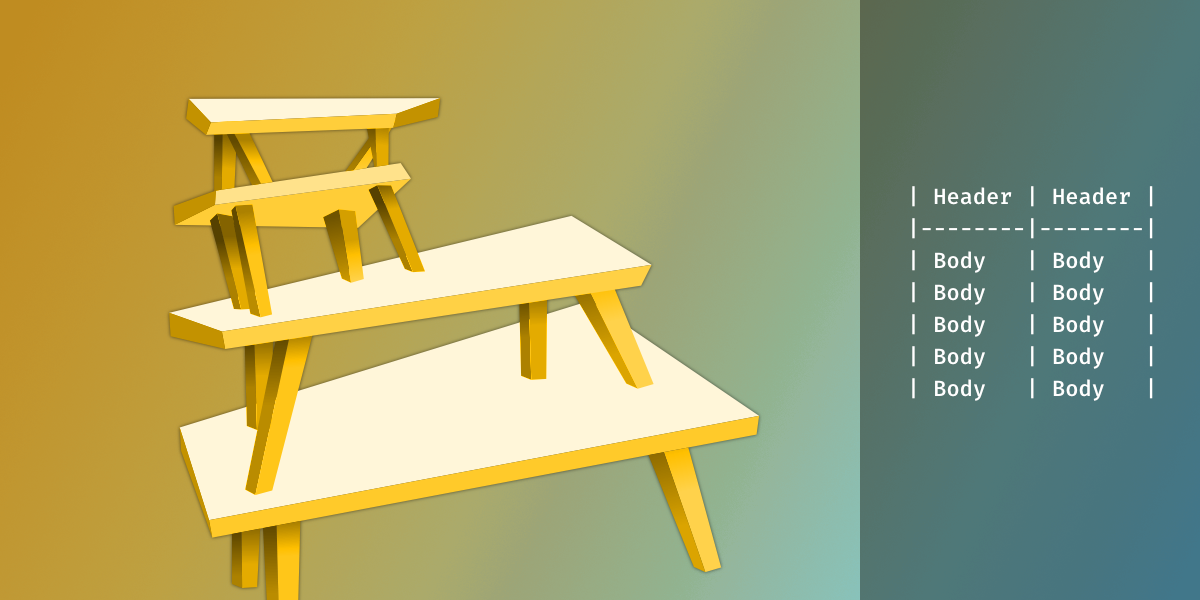
An illustrated graphic that shows a set of 4 tables stacked on each other. The drawing is abstract with skewed perspectives.

In this post I would like to talk about Tables in the Homebrewery because not only are they useful in homebrews but also because of how the Homebrewery takes a few steps outside of conventional Markdown with a custom extension of the table syntax. I’ll start with the most basic of tables using standard Markdown Markdown, Homebrewery, and Tables